
Match your real experience to the vacancy, whether you import a CV or start with a blank one. Ask for AI suggestions, review the proposed changes and keep only what accurately describes you.
The job description and accurate notes or an existing CV. Do not paste confidential employer or client information.
How do I tailor my CV to a Timor-Leste job vacancy without inventing experience?
Add the vacancy to Improve your CV with AI in Add content. Review keyword suggestions and proposed edits, approve selected changes, then compare before and after. The employer’s requirements are not evidence that you have a skill.
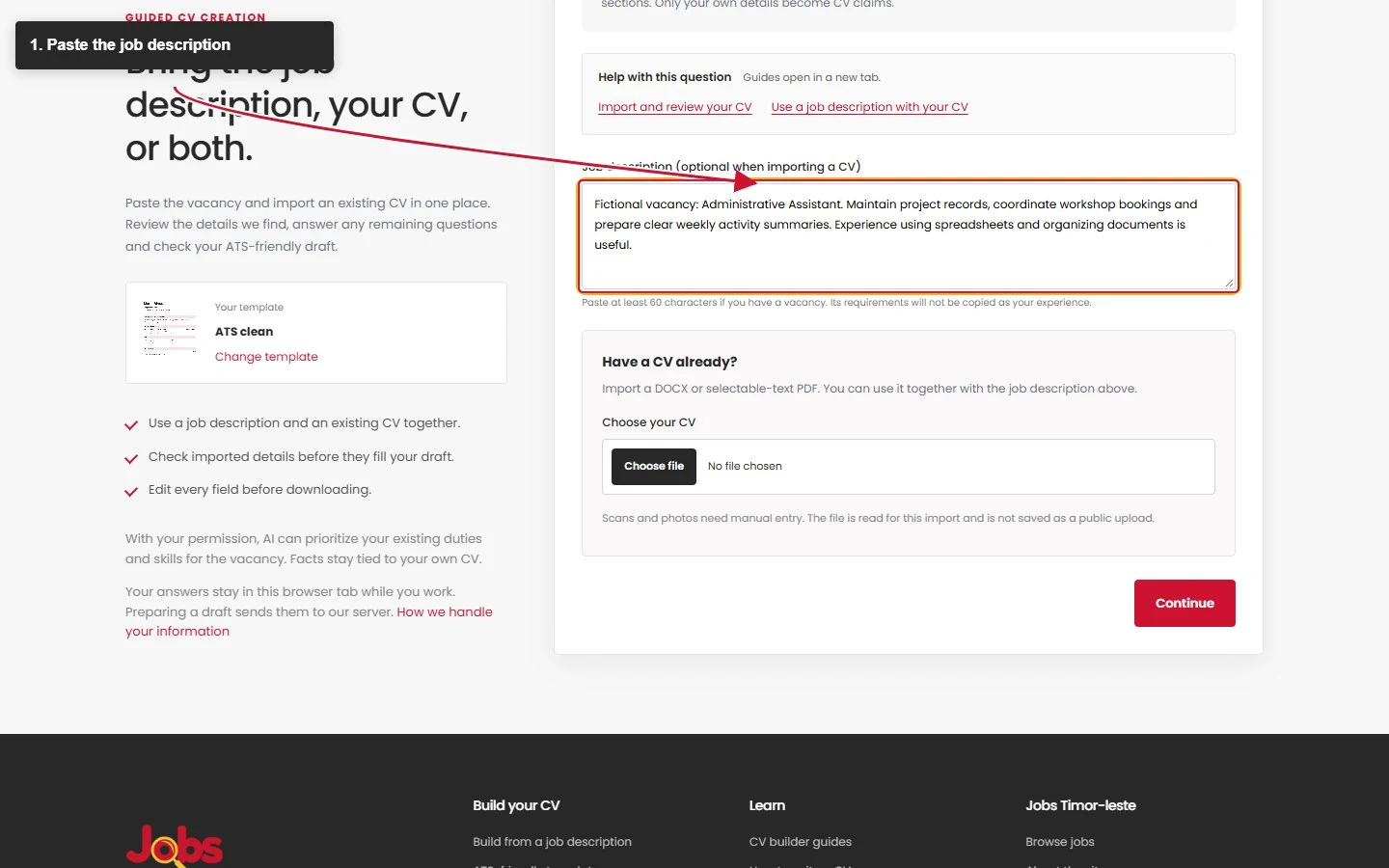
1Paste the vacancy and bring your CV
If you are starting a new guided CV, choose a template, paste the vacancy and optionally import a CV. If you already wrote a blank CV, open Improve your CV with AI in Add content and paste the vacancy there. Include its duties and requirements.
2Fill gaps with your own facts
Check the questions about your contact details, experience, education and skills. Use the wording from the vacancy only when it describes something you have actually done. Keep role names, employers and dates accurate.
3Choose whether to use AI assistance
In the editor, read the consent notice under Improve your CV with AI before selecting Review improvements. Reviewed section text and the vacancy go to Cloudflare Workers AI. Contact fields and the original uploaded file are excluded, but remove any private details within section text first. AI review currently supports English CVs.
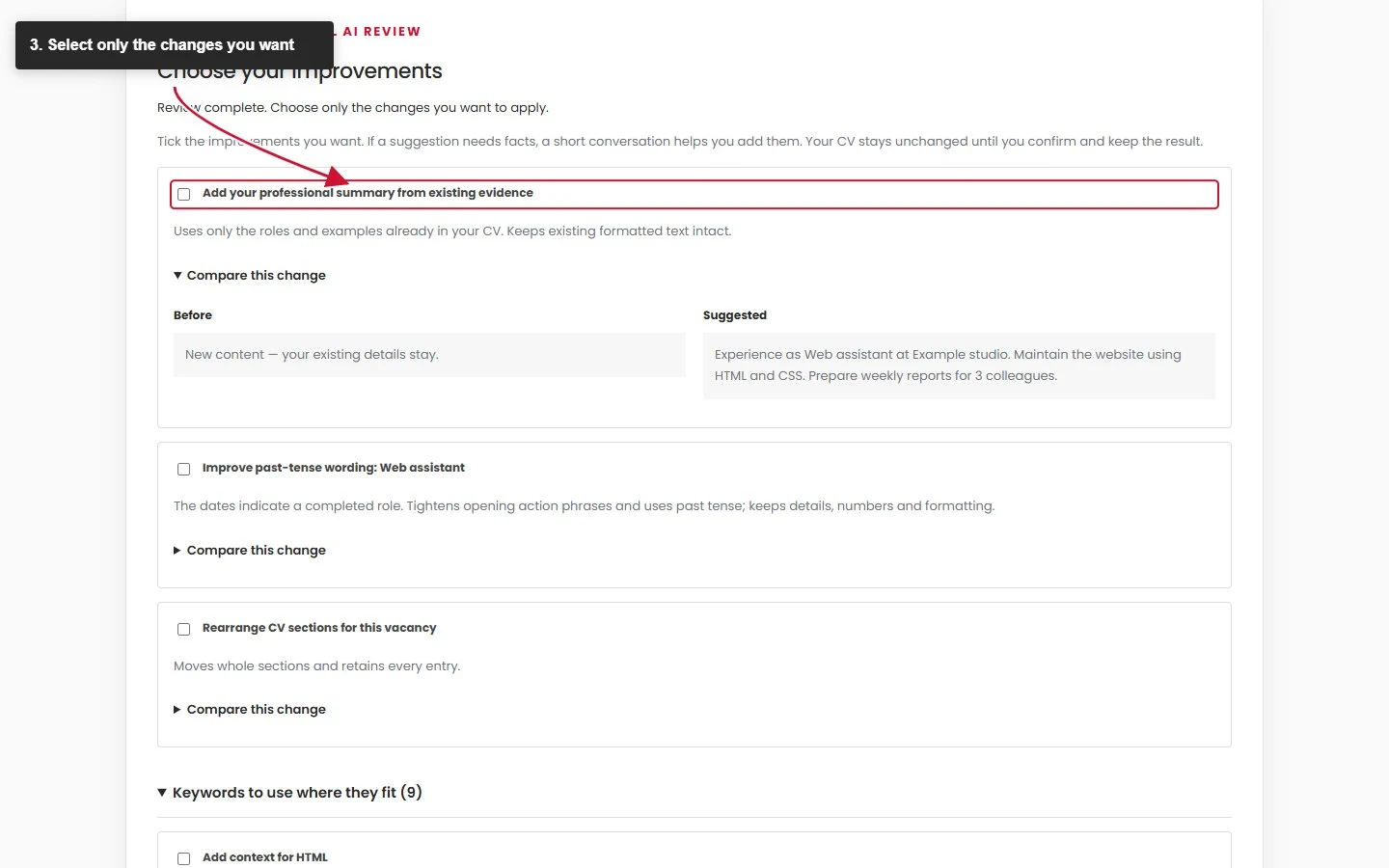
4Choose changes and review missing evidence
Suggestions and wording comparisons are expanded for you to review. Tick a wording change to select it. Tick a keyword, achievement or section suggestion to answer the short chat questions when more facts are needed. Choose where a keyword belongs and preserve your real skill level. Check the proposed wording and confirm it is accurate, then approve the suggestion. Nothing changes in your CV yet. Select Confirm selected changes when ready, or Reject all suggestions and confirm that you want to keep your current version. Choose Back to suggestions to return without losing your selections.
How to review AI suggestions and choose what to keep
5Compare the result before keeping it
Keep the tab open while AI checks approved changes. Compare the original and proposed CVs. Choose Keep changes and continue, or Revert to original. The readiness score may stay the same even when wording improves. If AI fails, your current draft is kept.
For an achievement, write what you did, how you did it and what happened. If you cannot verify a percentage, describe the outcome in plain language instead of estimating a number.
CareerOneStop: describing work experience. For general guidance on describing responsibilities and accomplishments.
You can explain every statement in an interview. Suggested keywords describe your experience, and the employer's requirements have not been copied as qualifications you do not hold.