
Bring your existing CV into the builder instead of typing it again. Check the extracted sections and individual items before they become your new draft.
A DOCX or a PDF with text you can select. Scanned pages and photos need manual entry.
How do I import my CV for a Timor-Leste job application?
Choose a template, upload your CV and review what the builder finds. Imported headings supply the sections; the template controls their appearance. Extraction can miss or misplace details, so keep the original open while reviewing.
1Upload your existing CV
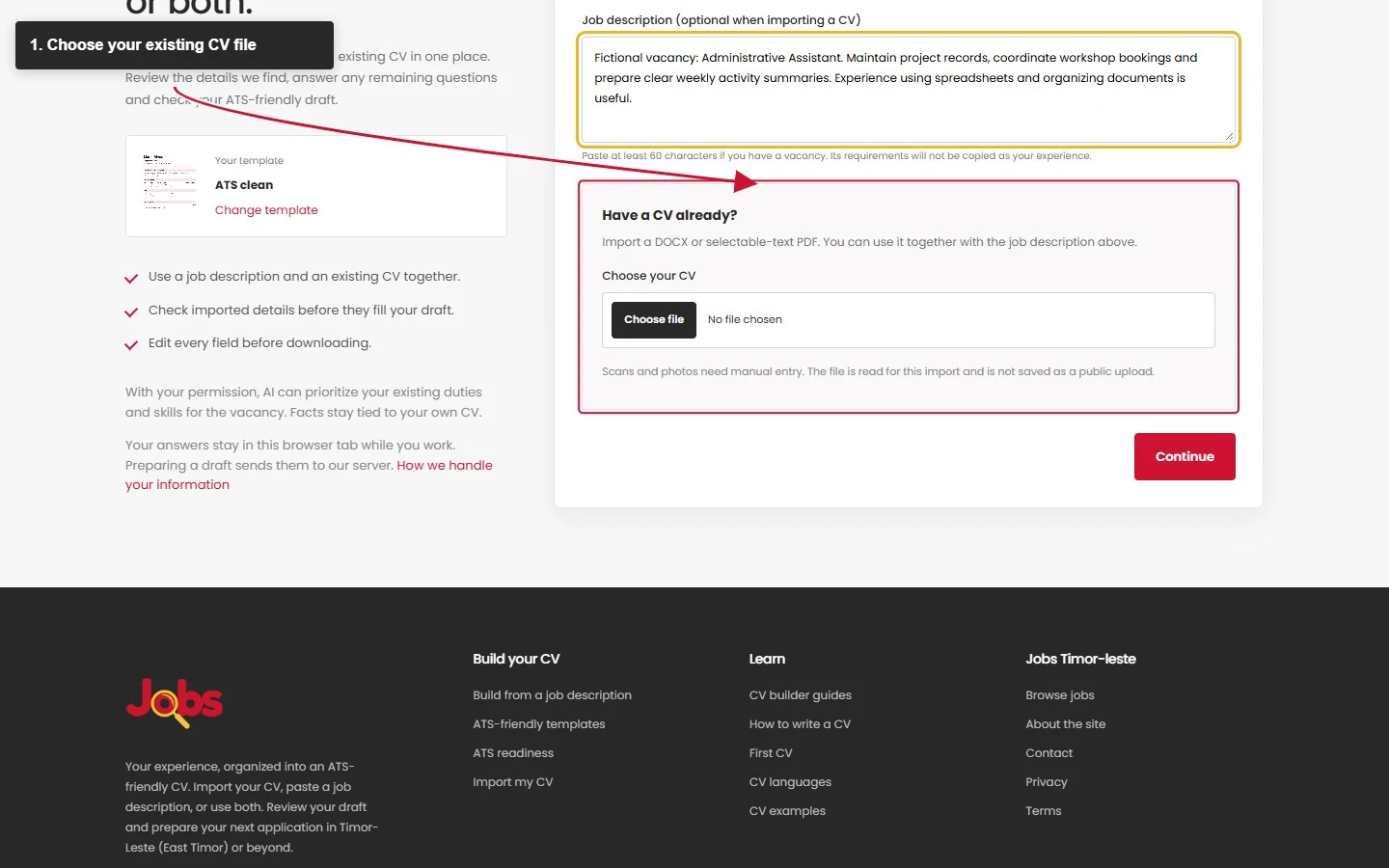
In guided creation, use Choose your CV below the job-description field. You may paste a vacancy on the same screen. If you started in the editor, open Import an existing CV and select Choose a file.
2Check each section and item
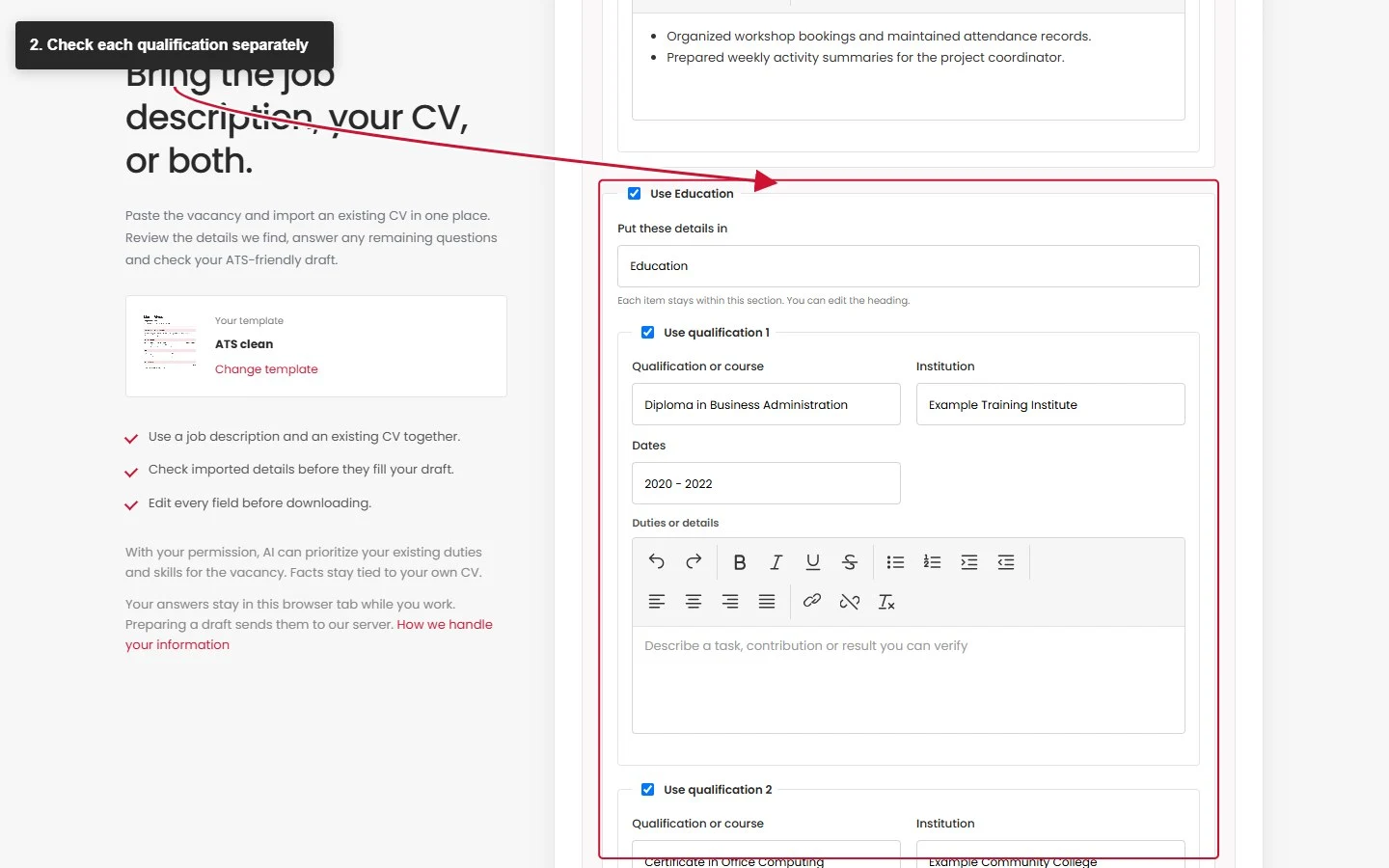
Read the section headings. Review each job under work experience and each qualification under education separately. Correct the title, employer or institution, dates and details. Uncheck any item that should not be used.
3Apply the reviewed details
In guided creation, select Continue to add the checked details. Your CV opens in Add content, where you can review the imported entries and fill in missing information. Select Continue to AI review when you are ready. Choose Cancel import to discard this upload. In the editor import, use the apply button. Check the resulting preview before using the draft.
4Fix anything the import missed
In Add content, rename or add a section if needed. Use Add role or Add education item to separate combined records. Restore bullet lists with the duties editor and compare the results with your source CV.
5Choose optional AI improvements
After checking the imported fields, you can ask AI to review your CV. It may suggest clearer wording, tense corrections or a different section order. Add a vacancy for keyword suggestions. Nothing is applied unless you select changes and keep the reviewed result.
If the PDF text cannot be selected, use the original Word document when available. Otherwise enter the details manually. Re-uploading the same scan will not make its text readable.
Every job and qualification is its own editable item. Skills, tools and languages are in the right sections, and no source details have silently become new claims.